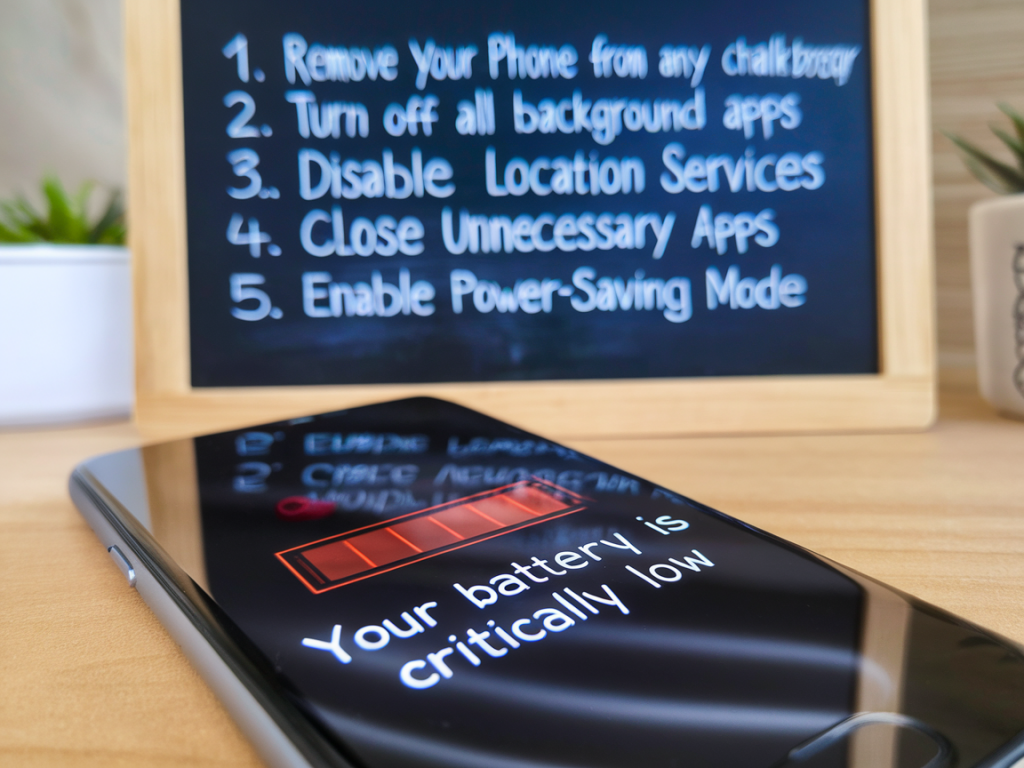
I’ve watched more phones lurch toward early retirement than I care to admit — both my own and devices I try to coax back to life for friends. Before you order a replacement battery (or a whole new phone), there are several safe, practical steps you can try that often restore a surprising amount of capacity and everyday reliability. Below I share what I do first, how I test and diagnose the problem, and when it’s finally time to get a hardware swap. These are low-risk, easy-to-follow fixes that don’t require technical wizardry.
Check the obvious first: battery health and physical signs
The quickest place to start is with the phone’s own diagnostics. On iPhone go to Settings → Battery → Battery Health. On many Android phones (Samsung, Google Pixel, OnePlus), look in Settings → Battery → Battery health or use a diagnostics app like AccuBattery.
Look for these red flags:
Calibrate the battery (simple and safe)
Battery readings can become inaccurate over time. Calibrating can help the phone estimate remaining charge more accurately — it won’t fix battery wear, but it can eliminate odd shutdowns caused by misreported percentages.
This process helps the operating system re-learn the battery curve. Do it once — repeated full cycles aren’t necessary and can stress a worn battery.
Trim software gremlins and runaway apps
Often poor battery life stems from software rather than the battery cell itself. I start with these steps:
On Android, consider using the built-in battery optimization or adaptive battery features. On iPhone, enable Low Power Mode for temporary savings, and look at Background App Refresh settings.
Optimize settings for better longevity
Small tweaks go a long way:
Safe charging habits that can revive long-term health
How you charge matters almost as much as how you use the phone. I follow these routines:
Advanced steps: backup, reset, and testing
If the simple fixes haven’t worked, there are more thorough software measures to try before concluding the battery is the issue.
If diagnostics show the battery’s capacity has fallen substantially (see the table below), it’s likely time for a swap.
| Battery Health / Capacity | What it means |
|---|---|
| Above 90% | Good — normal wear, expect decent runtime |
| 80–90% | Moderate wear — consider preventative habits |
| 60–80% | Significant wear — noticeable reduced runtime, replacement recommended if you need full-day use |
| Under 60% | Severe wear — expect frequent charging and unexpected shutdowns; replace battery |
When to replace the battery and how to do it safely
Some situations require hardware intervention:
If you need a replacement, I prefer official service centers or reputable shops. For iPhone users, Apple’s battery replacement service is straightforward and uses genuine parts. For Android, check the manufacturer (Samsung, Google) or a certified repair partner. Independent repair shops like uBreakiFix (though availability varies by region) can be cost-effective — look for shops using OEM or high-quality third-party batteries and offering a warranty.
A note of caution: attempting to replace non-removable batteries yourself can be risky unless you’re comfortable with delicate electronics and have proper tools. You might void warranties or damage the device. If you do DIY, use verified guides (iFixit is a reliable resource) and quality parts.
Short-term hacks while you arrange a replacement
Need a quick lifeline? These tricks can stretch remaining battery life:
Trying these steps has saved me from buying a new phone more than once. Often it’s a mix of a tired battery and a greedy app or setting. If you spot swelling or the phone becomes hot to the touch, stop and get professional help — safety first. Otherwise, a little diagnosis and some mindful charging can buy you weeks or months of usable life, and sometimes even longer.