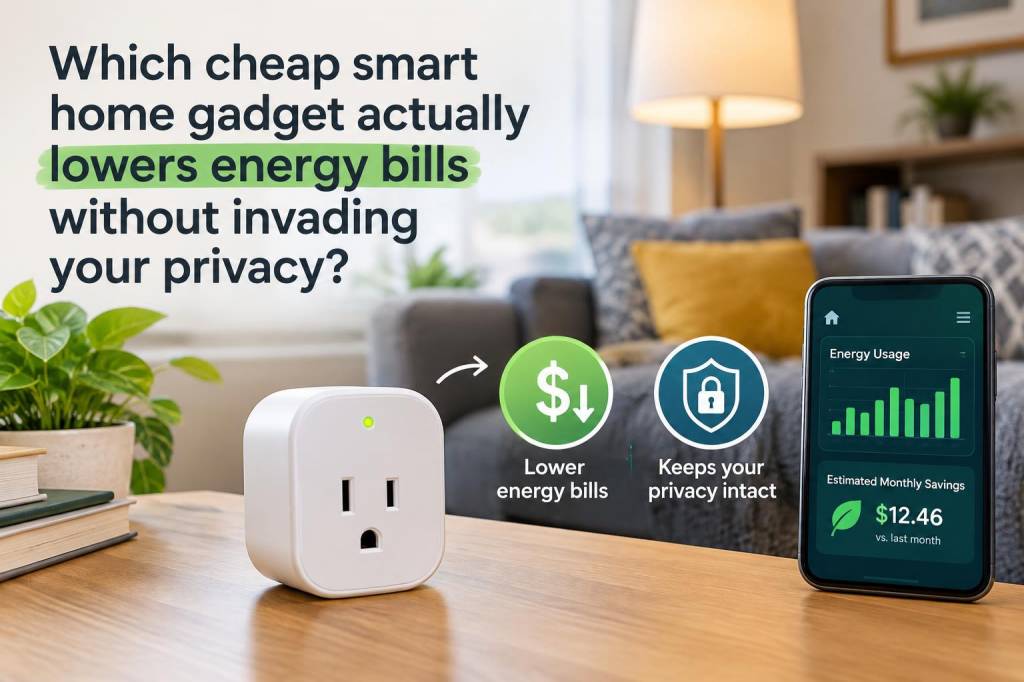
I’ve tried a handful of “smart” gadgets over the years hoping for big electricity savings, and I learned the hard way that flashy apps don’t equal real reductions on the bill — especially if that gadget quietly phones home to a company server every few seconds. If you want a cheap smart home device that actually lowers energy bills without handing over your data, my strongest, practical recommendation is: an energy‑monitoring smart plug or inline energy monitor that supports local control (Shelly or Sonoff models are good examples), paired with a simple local automation hub like Home Assistant.
Why this combo? Because the things that shave real kilowatt‑hours are simple: stop wasting standby power, cut heating and drying when you don’t need them, and shift heavy loads to cheaper times. You don’t need an AI camera; you need accurate measurement, reliable on/off control, and the ability to automate without routing data through the cloud.
What I look for in a privacy‑friendly, bill‑cutting gadget
Why not a big cloud thermostat?
Smart thermostats like Nest and certain Wi‑Fi systems can save you money by learning patterns and optimizing heating. But they often require cloud connectivity and belong to companies with extensive data policies. They’re also not cheap. For many households — renters especially — installing a full thermostat or rewiring radiators is impractical.
A smart plug strategy is low‑cost, reversible, and privacy‑friendly when you choose local‑first devices. You control what data stays in your home and what (if anything) goes to a vendor’s servers.
Devices I recommend (budget + privacy perspective)
| Device | Approx. price | Energy monitoring | Local control | Notes |
|---|---|---|---|---|
| Shelly Plug S / Shelly Plus | £15–£30 | Yes | Yes (MQTT/HTTP) | Small, reliable, supports local API; great for Home Assistant. |
| Shelly EM / Shelly 1PM | £20–£40 | Yes (whole‑house for EM) | Yes (MQTT) | Can monitor circuits; decent if you want to measure larger loads. |
| Sonoff POW R2 | £10–£25 | Yes | Yes (Tasmota firmware/MQTT) | Very cheap if you flash custom firmware for local control. |
| TP‑Link Kasa Smart Plug (HS110/HS300) | £20–£50 | Yes (some models) | Limited local features | Easy setup but relies on cloud unless integrated via third‑party tools. |
| Emporia Vue / Sense (whole‑house monitors) | £100–£300 | Yes | Partial | Good for whole‑home insights but pricier; data often goes to vendor cloud. |
How I use these devices to actually reduce bills
Example automations that pay off
Privacy: what to watch for and how to avoid cloud dependence
Realistic savings and payback
Results depend on lifestyle and what you target. In my experience, tackling standby loads and better scheduling produced measurable savings of 5–15% on electricity across a few months — sometimes more if you had lots of old, inefficient devices. A single Shelly plug (~£20) that eliminates a 10 W vampire load saves about £9–£18/year in the UK (assuming 10 W saved × 24 h × 365 days × £0.28/kWh). That’s small per device, but multiply it across several plugs and add shifting peak loads and you get a meaningful dent in your bill.
One last practical note: start small. Buy one energy‑monitoring plug, measure two weeks of baseline, set one automation, and watch the changes. You’ll learn what actually saves money in your home without signing away privacy. Over time, the local‑first approach scales: more plugs, a cheap Home Assistant instance, and you’ll have a private, practical energy‑saving system that outperforms a lot of cloud‑first gimmicks.