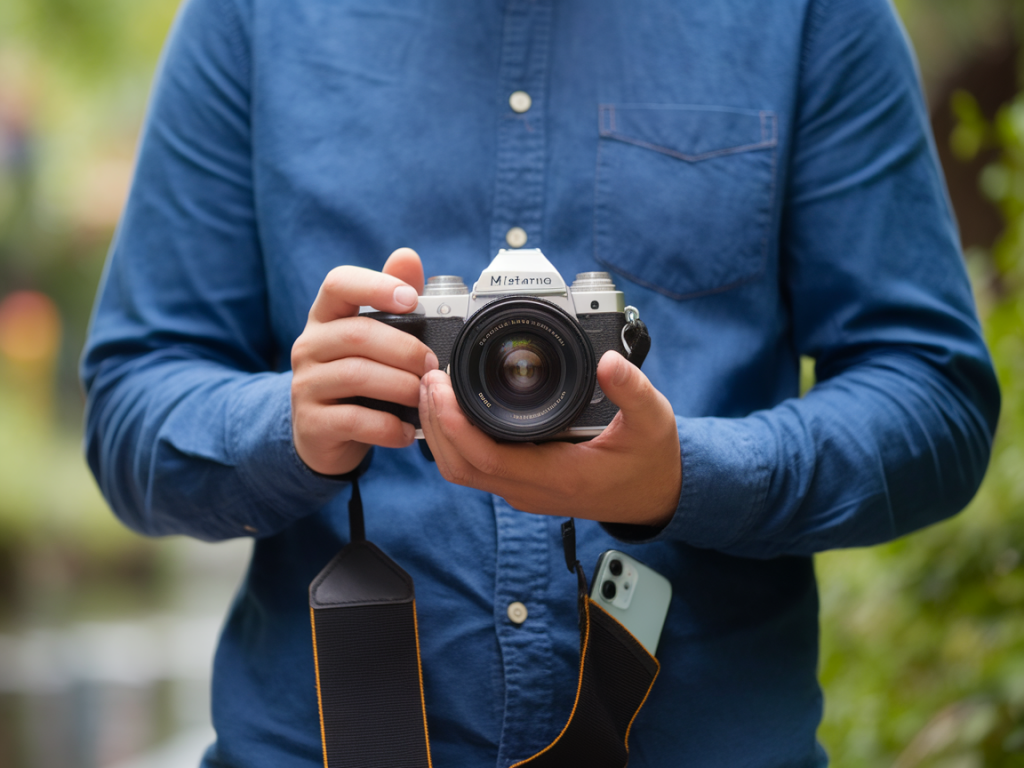
I’ve been shooting portraits with my phone for years, and like many of you I love how convenient they are: great autofocus, pleasing skin tones, and portrait modes that blur backgrounds with a tap. But there’s a sweet spot where a midrange mirrorless camera can genuinely elevate those smartphone portraits — better dynamic range, shallower true depth of field with the right lens, more creative control, and image quality that holds up when you crop, print, or edit heavily. Below I’ll walk through which midrange mirrorless cameras are worth the jump, what lenses and settings to pair with them, and practical tips to shoot portraits that feel both pro and personal.
Why choose a midrange mirrorless over a smartphone?
Smartphones have come a long way, especially for casual portraits. Still, I reach for a mirrorless when I want:
Better sensor performance: larger sensors (APS-C or full-frame) capture more light and deliver cleaner images at higher ISOs.Real optical bokeh: true background blur from fast lenses looks more natural than computational blur.Creative lens choices: prime lenses with character — creamy 50mm or intimate 85mm equivalents — let you shape the look.Control and consistency: manual exposure, precise autofocus settings, and more reliable color/skin tone rendering.Midrange mirrorless cameras that truly upgrade smartphone portraits
“Midrange” is subjective, but I’m thinking cameras in the roughly £700–£1800 range body-only (or kit) — approachable for enthusiasts but offering pro-level results. Here are models I’ve tested or followed closely:
Sony a6400 / a6600 (APS-C) — Excellent autofocus and eye AF, compact, and a huge lens ecosystem. The a6600 adds in-body stabilization (IBIS) and longer battery life, which matters when I’m shooting outdoors all day.Fujifilm X-S10 / X-T30 II (APS-C) — Fujifilm’s color science is a delight for portraits; skin tones feel warm and film-like. The X-S10 has IBIS, making it a strong hybrid choice.Canon EOS R10 / R7 (APS-C) — Very reliable subject tracking and pleasing colors straight from the camera. R7 offers higher resolution and better low-light performance.Nikon Z50 / Z5 (APS-C / entry full-frame) — The Z50 is compact with a heritage Nikon color profile; the Z5 (if you step into full-frame) gives that extra shallow DOF with the same midrange budget if you buy used or on sale.Sony a7C / Canon RP (entry full-frame, if you prefer full-frame look) — These give the full-frame aesthetic at a relatively accessible price. The a7C pairs well with small primes for a classic portrait look.Quick comparison table (at-a-glance)
| Model | Sensor | Notable for | Why it upgrades phone portraits |
| Sony a6600 | APS-C | Top-tier AF, IBIS | Reliable eye-AF + stabilization = sharp closeups in varied light |
| Fujifilm X-S10 | APS-C | Great color science, IBIS | Pleasant skin tones and film-like rendering straight from camera |
| Canon R7 | APS-C | High-res, strong tracking | Detailed images + Canon color/skin tones |
| Nikon Z5 | Full-frame | Full-frame look, good price used | Shallow depth and dynamic range beyond phones |
| Sony a7C | Full-frame | Compact full-frame | Full-frame separation with small form-factor |
Which lenses actually make the difference?
The lens often matters more than the body for portraits. On APS-C bodies, the 35mm and 50mm equivalents are my go-tos; on full-frame, a 50mm or 85mm prime is classic. Look for:
Fast primes (f/1.2–f/1.8): they give shallow depth of field and beautiful bokeh. Examples: Canon RF 50mm f/1.8, Sony FE 50mm f/1.8, Fuji XF 56mm f/1.2 (APS-C equivalent to ~85mm).Compact, sharp zooms: like a 24-70 f/4 — convenient when you want variety without changing lenses.Characterful vintage lenses: adapted manual lenses can add softness and interesting rendering for portraits if you don’t need autofocus.Shooting settings and workflow I use
Here’s a practical recipe that works on most midrange mirrorless bodies, whether you’re shooting handheld at a café or outdoors at golden hour:
Mode: Aperture priority (A/Av) to control depth of field, or manual if you want full control.Aperture: f/1.4–f/2.8 for head-and-shoulders to get a smooth background. For full-body, stop down to f/4–f/5.6 to keep more in focus.ISO: Keep as low as practical for cleaner images — modern sensors handle higher ISOs well, but aim for 100–800 outdoors; let camera auto-ISO within a safe range indoors.Shutter speed: Use at least 1/(focal length) as a rule of thumb for avoiding motion blur (or faster if subject is moving). With IBIS, you can go slower, but don’t push it with moving people.Focus: Eye AF or face detect. I enable subject tracking for moving kids or pets.White balance: Auto works surprisingly well, but set it manually for consistent skin tones in mixed lighting.File format: Shoot RAW if you plan to edit; JPEG if you want quick, in-camera results. RAW gives you much more latitude for recovering highlights and refining skin tones.Lighting and composition tips that outsmart the phone
Good light and a confident approach matter more than gear. Here are techniques I find most effective:
Use open shade: Look for soft, even light — near a shaded wall or under a tree. It’s flattering and preserves highlight/shadow detail better than direct sun.Backlight for glow: Put the sun behind your subject at golden hour and expose for their face. The camera’s dynamic range lets you keep detail in the background glow and the face with fill light or reflectors.Catchlights: Position the subject so their eyes get a reflection — it brings portraits to life.Foreground elements: Put something slightly out-of-focus in the foreground (leaves, a railing) to frame the face and add depth — a look phones can mimic computationally, but glass optics make it more natural.Interact and direct: Simple prompts — “look slightly off-camera,” “close your eyes and open them slowly,” or “remember a small laugh” — produce genuine expressions. I shoot in bursts to capture the in-between moments.Editing — subtlety is your friend
Switching to a mirrorless camera often means more post-processing. My approach is gentle:
Start with exposure and white balance: balance skin tones first.Use targeted adjustments: local dodging and burning brightens eyes and sculpts faces.Reduce clarity on skin selectively: avoid blanket smoothing; instead, use local tools to soften while keeping texture in key areas like eyes, lips, and hair.Color grading: Fujifilm users might rely on film sims; others can emulate film tones with presets. I always dial back saturation a touch for a natural look.Upgrading from a smartphone to a midrange mirrorless camera is less about gear flex and more about gaining tools that let you shape the portrait: real depth of field, dependable autofocus, and superior image quality for editing and print. Pick a camera that feels good in your hands, choose one or two lenses that cover the focal lengths you use most, and practice the lighting and directing tips above. Over time, you’ll notice portraits that once felt “phone-good” move into a more intentional, tactile territory — and that’s when photography becomes really satisfying.