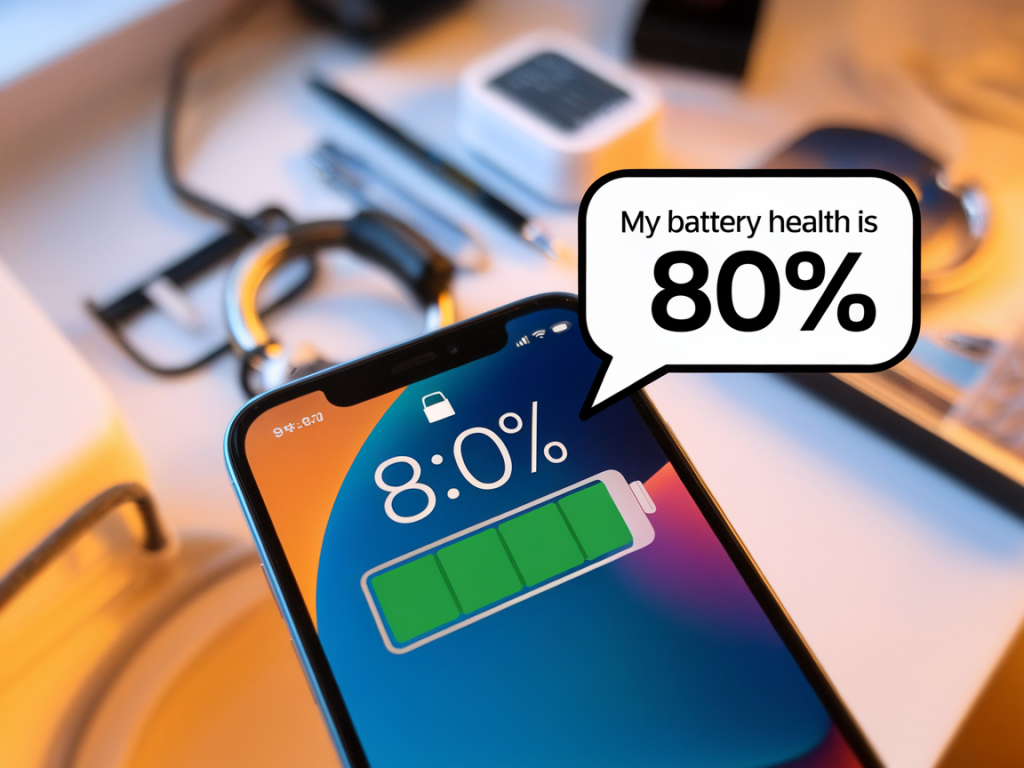
I check my phone’s Battery Health screen more often than I’d admit — not out of obsession, but because my phone is a tiny lifeline for work, photos, and the odd late-night recipe search. Over the years I’ve learned that the number you see under “Battery Health” (or the equivalent in Android settings) isn’t the whole story. It’s a useful indicator, but it can be misleading if you take it as the only measure of your phone’s battery life or longevity.
What “battery health” actually measures
When you open Battery Health on an iPhone, you’ll see a percentage labelled Maximum Capacity. That number compares your battery’s current full charge to its original design capacity. If it reads 90%, your battery can hold 90% of the energy it could when it was new. On many Android phones there’s a similar estimate hidden in settings or available via manufacturer apps (Samsung’s Members app, for example, offers diagnostics; Google’s Pixel phones provide battery info in Settings).
Importantly, that percentage is an estimate based on software models, not a lab-grade measurement. It looks at factors like charge cycles, voltage behavior, and temperature history. While it’s helpful, it doesn’t tell you how your phone will perform in specific situations — like how fast the battery drains when you use GPS navigation or play a graphically intense game.
Why batteries degrade
The batteries in phones are lithium-ion. They’re great because they’re lightweight and can charge quickly, but chemistry has trade-offs. Here are the main reasons batteries lose capacity:
- Charge cycles: Every full cycle (0% to 100% equivalent) slowly reduces capacity. Partial cycles count too — charging from 30% to 80% isn’t a full cycle but contributes.
- High temperatures: Heat accelerates chemical reactions that damage the electrode materials.
- Deep discharges and full charges: Letting a battery die to 0% or leaving it at 100% at high temperature stresses the battery.
- Age: Even with careful use, batteries naturally lose capacity over time because of internal chemical changes.
What the number doesn’t show
A 90% battery health reading doesn’t automatically mean your phone will die halfway through the day. Battery capacity is only part of the story — software efficiency, screen brightness, background activity, and cellular signal quality often have a bigger day-to-day impact. For instance, a phone with “healthy” battery capacity but a lot of power-hungry apps running in the background may still feel sluggish.
Also, the battery health metric won’t tell you about sudden shutdowns due to voltage instability. Some phones manage this with performance throttling or by limiting peak power draw — Apple’s controversial throttling in older iPhones is an example. So you might see a battery health decline and also notice performance adjustments even before capacity dips dramatically.
Simple habits that extend battery life and longevity
I’ve tried a lot of tips over the years, some more useful than others. Below are the practical habits I keep returning to — they’re easy to adopt and genuinely help both daily battery life and long-term capacity.
- Avoid extreme heat: Don’t leave your phone baking in a hot car or sitting on a radiator. If you’re charging while using it for navigation on a hot day, take breaks or shade the device.
- Charge more often, but not to 100% every time: Lithium-ion batteries prefer partial charges. Charging to around 80–90% and avoiding deep discharges to 0% helps. Many phones now offer “optimized charging” (Apple’s Optimized Battery Charging, Google’s Adaptive Charging) that delays the final top-up so your phone isn’t at 100% for hours.
- Use original or reputable chargers: Fast charging is convenient but can produce more heat. Quality chargers and cables (Apple, Anker, Belkin, or your phone maker’s charger) tend to manage power delivery better and reduce stress on the battery.
- Turn off unnecessary background features: Location services, Bluetooth, and background app refresh are convenient but drain power. I keep Location Services off for apps that don’t need it and let key apps (maps, photo backups) run as needed.
- Lower screen brightness and use adaptive brightness: The screen is often the biggest drain. A small drop in brightness can meaningfully extend daily runtime.
- Enable low-power or battery saver modes: Use them during long outings or when you need the phone to last. They reduce background activity and visual effects.
- Limit always-on displays and high refresh rates: If your phone supports 120Hz, use it when you want buttery smooth scrolling, but switch to 60Hz for days you need longer battery life. Always-on displays can be handy but cost power; consider disabling them overnight.
When to worry and when to replace the battery
Manufacturers often consider a battery worn out when it reaches 80% of original capacity — roughly after a couple of years of typical use. But replacement isn’t always urgent. If your phone’s battery health shows 80% but it still gets you through the day and there are no sudden shutdowns, you can keep using it. If you see dramatic runtime drops, random shutdowns, or performance throttling, then a battery replacement can feel like buying a new phone in practical terms.
Many manufacturers offer battery replacement services: Apple, Samsung, and Google provide official replacements (often for a fee once out of warranty). Third-party repair shops can be cheaper, but quality of parts varies. I once used a reputable local repair shop for a battery swap on an older phone and found it extended the device’s life by a couple of years.
Quick checks and tools I use
I like to keep things simple and use a few built-in tools and apps:
- iPhone: Settings > Battery > Battery Health for capacity and peak performance capability.
- Android: Settings > Battery on Pixel phones, or use manufacturer apps like Samsung Members for diagnostics. Apps such as AccuBattery (from the Play Store) give deeper estimates of capacity and charging habits.
- Watch for sudden behavior changes: Faster-than-usual drain, unexpected shutdowns, or thermal warnings are signs to investigate further.
Small habits, big difference
I don’t live by strict rules — I enjoy fast charging when I’m in a rush and I keep my phone on 100% overnight now and then. But by adopting a few simple habits — avoiding heat, preferring partial charges, and using software features like optimized charging and battery saver modes — I’ve found my phones last longer both in daily runtime and over the years. The battery health percentage is a helpful guide, but it’s the small, consistent habits that make the biggest difference.