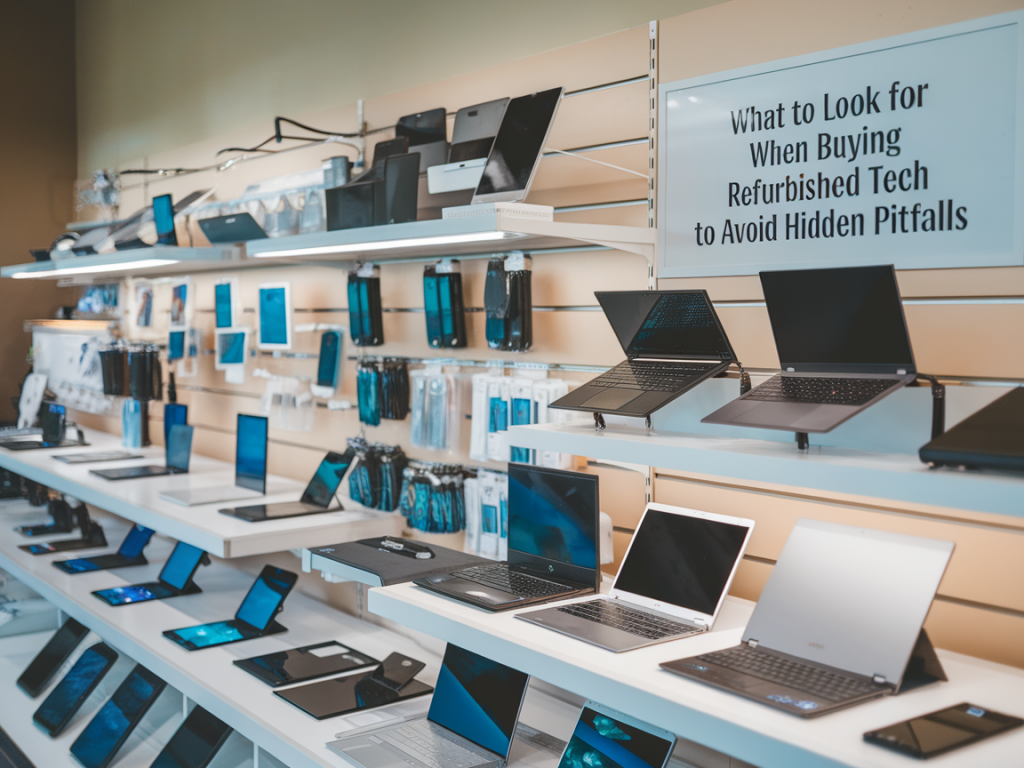
Buying refurbished tech has become one of my favourite ways to get better value without feeling wasteful. Over the years I’ve picked up refurbished phones, laptops, and headphones — some bargains turned out brilliantly, others taught me lessons the hard way. If you’re considering refurbished gear, here’s a practical guide based on what I wish I’d known sooner: what to check, what to ask, and how to avoid the hidden pitfalls that can turn a smart purchase into a headache.
Understand the different “refurbished” labels
First, the term "refurbished" isn’t regulated, so sellers use it loosely. It helps to know the common categories you'll encounter:
When I buy, I prioritise manufacturer or certified refurb units if the price gap isn’t huge — the predictability and warranty are worth it for devices I’ll rely on daily.
Check the warranty and return policy
Warranty length and what's covered are the single most important protections you can get. Ask: How long is the warranty? Does it cover parts and labour? Is accidental damage included?
I once bought a refurbished laptop with a 30-day return window. Two weeks in, the screen flickered — by then the seller's repair queue meant I was laptop-less for three weeks. A longer warranty and clearer repair timelines would have saved me time and stress.
Also pay attention to the return policy: a strict no-returns policy is a red flag unless the price is extremely low and you’re comfortable taking the risk.
Inspect battery health
Batteries degrade with use, and replacing them can be pricey. For phones and laptops, ask for battery health metrics — many sellers report cycle counts and health percentage. For example, Apple devices show battery cycle count and maximum capacity in settings; many refurb sellers include that info in the listing.
If the seller won’t provide battery stats, request them before buying. For laptops, aim for a cycle count under 300 for older MacBooks or under 500 for modern Windows laptops depending on age. For phones, anything above 80–85% maximum battery capacity should be acceptable for daily use.
Verify software and activation locks
One of the tricky pitfalls is a device locked to someone else’s account. For Apple products, ensure Activation Lock (Find My iPhone) is disabled. For Android, ask that the device be factory-reset and that you can sign in with your own Google account.
Also check the OS version and whether the device can still receive updates. Buying a refurbished phone that won’t get security patches can be risky — especially if you plan to keep it for a few years.
Examine repair history and parts
Ask whether replacement parts were original manufacturer components or third-party equivalents. Some third-party parts (screens, batteries) are fine, but others can cause performance or reliability issues. If possible, buy from refurbishers who use OEM parts or who clearly state what was replaced and why.
For high-value items like cameras or laptops, I prefer sellers who publish a refurbishment checklist showing which components were tested and replaced. Transparency matters.
Test the device thoroughly on arrival
On receiving a refurbished device, I immediately go through a checklist so I don’t lose return eligibility:
Research the seller’s reputation
Reviews and refund ratings tell a lot. I look at Trustpilot, Google reviews, and community forums like Reddit’s r/Refurbished or r/AppleSwap to see real experiences. Pay attention to how the seller deals with complaints and whether warranty repairs are timely.
Marketplaces like Amazon Renewed, Back Market, and manufacturer stores (Apple Certified, Samsung Certified) are my go-to because they standardise the refurbishment process and offer clear warranties. Independent refurbishers can be excellent too, but they require more due diligence.
Know what’s included
Does the seller include original accessories, or will you get a generic charger, cable, or packaging? Missing accessories can be an extra cost and sometimes indicate the device was sourced from uncertain channels. For example, buying a refurbished MacBook without a proper charger might mean higher repair risk if a wrong power adapter was used previously.
Also check whether the device comes with the original box and documentation if that matters to you — sometimes sellers label devices as “open box” which means they’re basically new but returned.
Watch for suspiciously low prices
If a deal looks too good to be true, it might be. Extremely low-priced devices could be stolen, blocked on carrier networks, or contain counterfeit parts. Always verify serial numbers through the manufacturer when possible, and avoid sellers that pressure you to complete a transaction off-platform or accept non-refundable sales.
Consider extended protection and upgrades
For items you expect to use daily, I often pay extra for extended warranties or accidental damage protection. It’s a small price relative to replacing a laptop or phone. Also check whether the device supports easy upgrades (RAM, storage) at a reasonable cost — sometimes buying a slightly older refurbished laptop and upgrading RAM yourself gives better long-term value than a pricier “new” base model.
Price-benchmark smartly
Before clicking buy, compare prices across platforms and factor in shipping, taxes, and potential repair costs. Use the device’s model and year to check how typical refurbished prices sit — if a refurbished iPhone X is priced similarly to a cheap newer model with warranty, the newer device might be the smarter buy.
| Seller Type | Typical Pros | Typical Cons |
|---|---|---|
| Manufacturer Certified | OEM parts, warranty, predictable process | Price premium over other refurb sellers |
| Marketplace (Amazon Renewed/Back Market) | Standardised checks, buyer protection, reviews | Quality varies by refurbisher listed |
| Independent refurbisher | Often lower prices, personalised service | Varied quality; requires research |
| Individual seller (e.g., eBay) | Potential bargains | Higher risk: fewer protections, scams possible |
Buying refurbished can be a smart, eco-friendly choice if you do a little homework. My best purchases felt like wins — great hardware for much less — and my worst taught me to always check battery health, warranty, and activation status. With a clear checklist and a preference for reputable sellers, you can avoid most hidden pitfalls and bring home tech that’s both affordable and reliable.